Launch EdgeOS on AWS #
EdgeOS can be deployed on AWS as either an Edge Connect video appliance or an Edge Core control plane.
Quick start: If you already have a VPC and subnet, go to Launch via CloudFormation .
Prerequisites #
Before launching EdgeOS, you need a VPC and subnet in your AWS account.
Create a VPC #
- Go to the VPC Console
- Click Create VPC
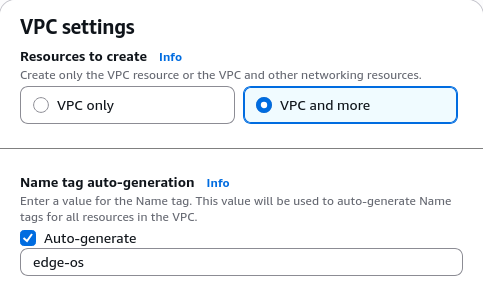
- Select VPC and more to create a VPC with subnets automatically
- Configure the settings and click Create VPC
Launch via CloudFormation #
Pick the variant you want to deploy, then click the link to open the AWS CloudFormation console with the template pre-loaded.
Filling in the parameters #
This opens the AWS CloudFormation console with the EdgeOS template pre-loaded.
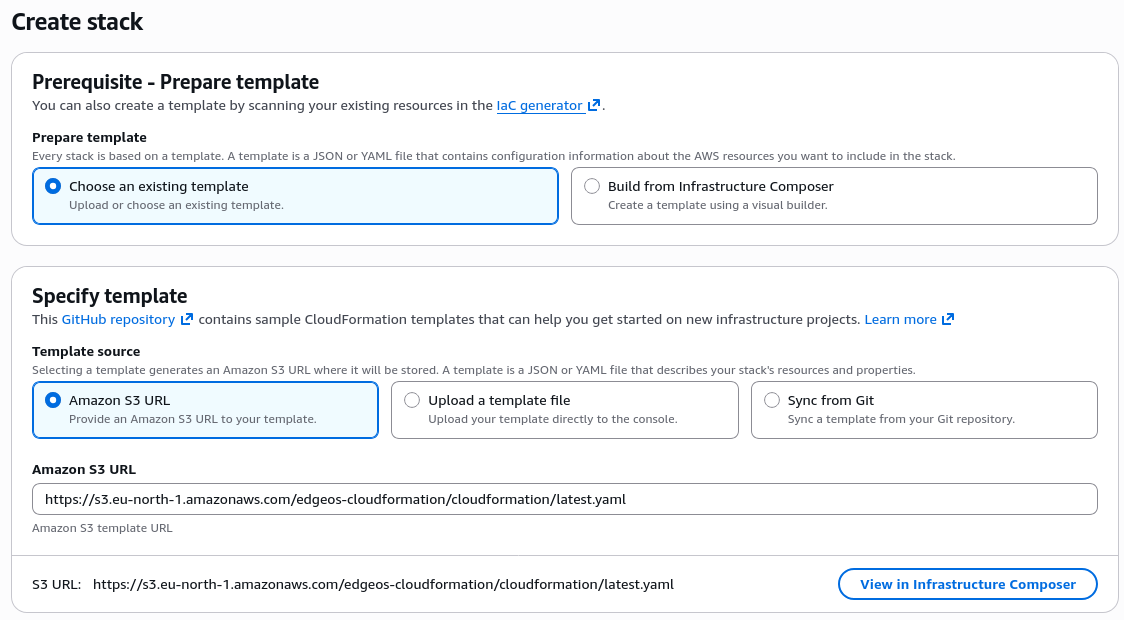
The required fields are:
- Stack name (prefilled)
- EC2 Instance Type (prefilled)
- VPC ID
- Subnet ID
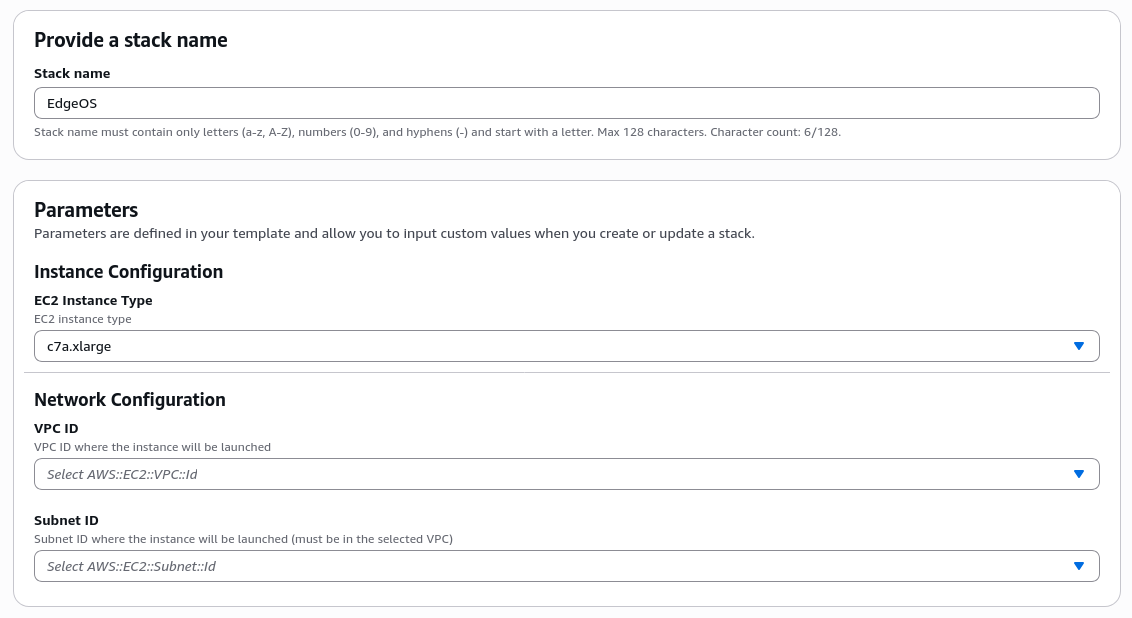
After the parameters a number of additional parameters can be specified, they can be left as they are.
Accessing Your Instance #
After creating the stack, wait a few minutes for the status to change to CREATE_COMPLETE.
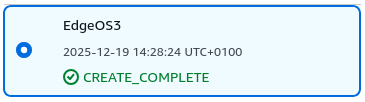
Once complete, find the instance URL and password in the Outputs tab of your stack. You may need to click the refresh button (⟳) to see the outputs. Copy the password and click on the WebUI link.
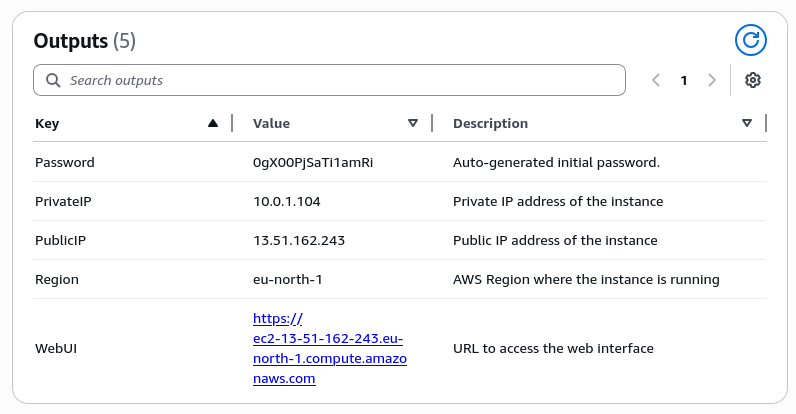
You will get a warning from your browser because the HTTPS certificate is self-signed:

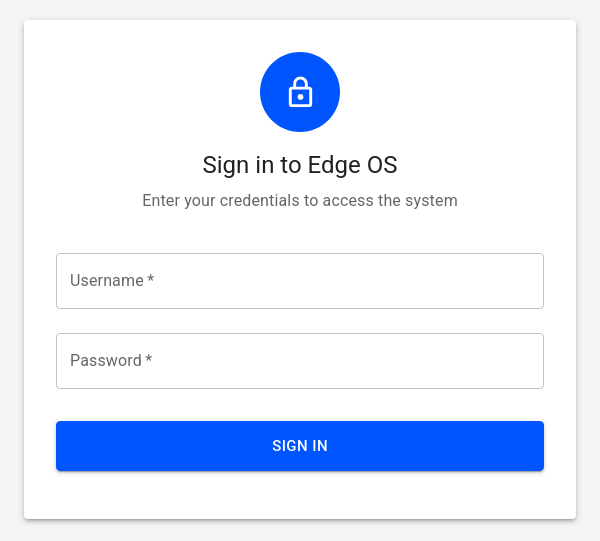
Accept the risk to proceed to the login screen, where you use the admin username with the password from the outputs
tab.
Cleanup #
To remove your EdgeOS instance:
- Go to the CloudFormation Console
- Select your EdgeOS stack
- Click Delete and confirm
After the stack is deleted, clean up the VPC and subnet if they are no longer needed:
- Go to the VPC Console
- Delete the subnet first, then delete the VPC